
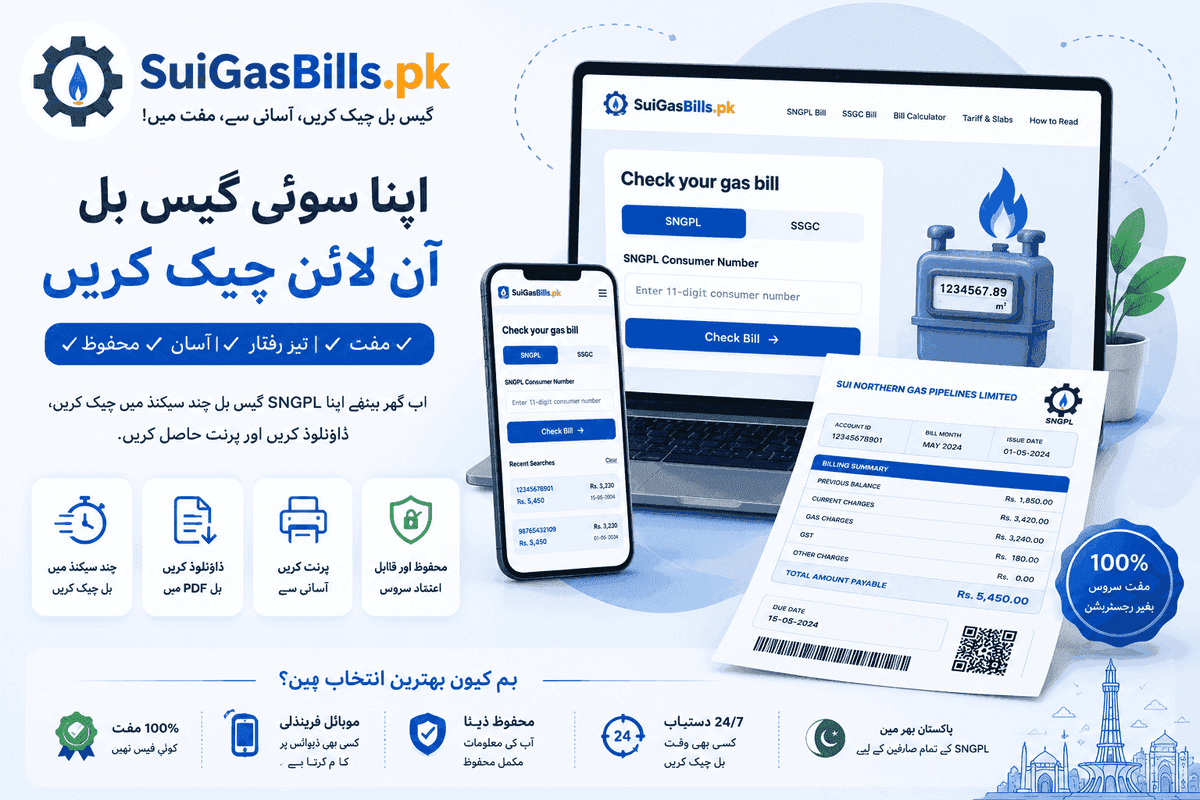
What Is a Duplicate Sui Gas Bill and When Do You Need One?
A duplicate gas bill is simply a reprinted or digitally retrieved copy of a bill that was originally issued by SNGPL or SSGC. In everyday use, the term covers any situation where the original paper bill has been lost, damaged, not delivered, or needed in an additional copy for documentation purposes. In Pakistan, gas companies issue paper bills by post, and delays or losses in postal delivery are common — a duplicate bill solves this immediately without requiring a visit to any office.
Common situations where you need a duplicate gas bill: the paper bill was not delivered (common in Karachi and Lahore where postal reliability varies by area); the bill was misplaced before payment; you need a second copy for a payment at a different bank; you are a tenant paying utilities and the landlord has the original but you need a copy; you need to show proof of residence to a bank, embassy, court or government office; or you are filing for reimbursement from an employer and need a formal bill copy. In all these cases, the online duplicate bill retrieved via SuiGasBills.pk is accepted.
The online duplicate bill is legally equivalent to the original paper bill. It contains identical data — the same consumer number, billing period, charges and due date — because it is retrieved directly from SNGPL's or SSGC's official billing database, not from a third-party source. See our how-to-read-your-bill guide for what each field means. Many banks, NADRA offices, and embassies accept the printed online bill as a valid proof-of-address document.
How to Get a Duplicate SNGPL Bill Online in Under a Minute
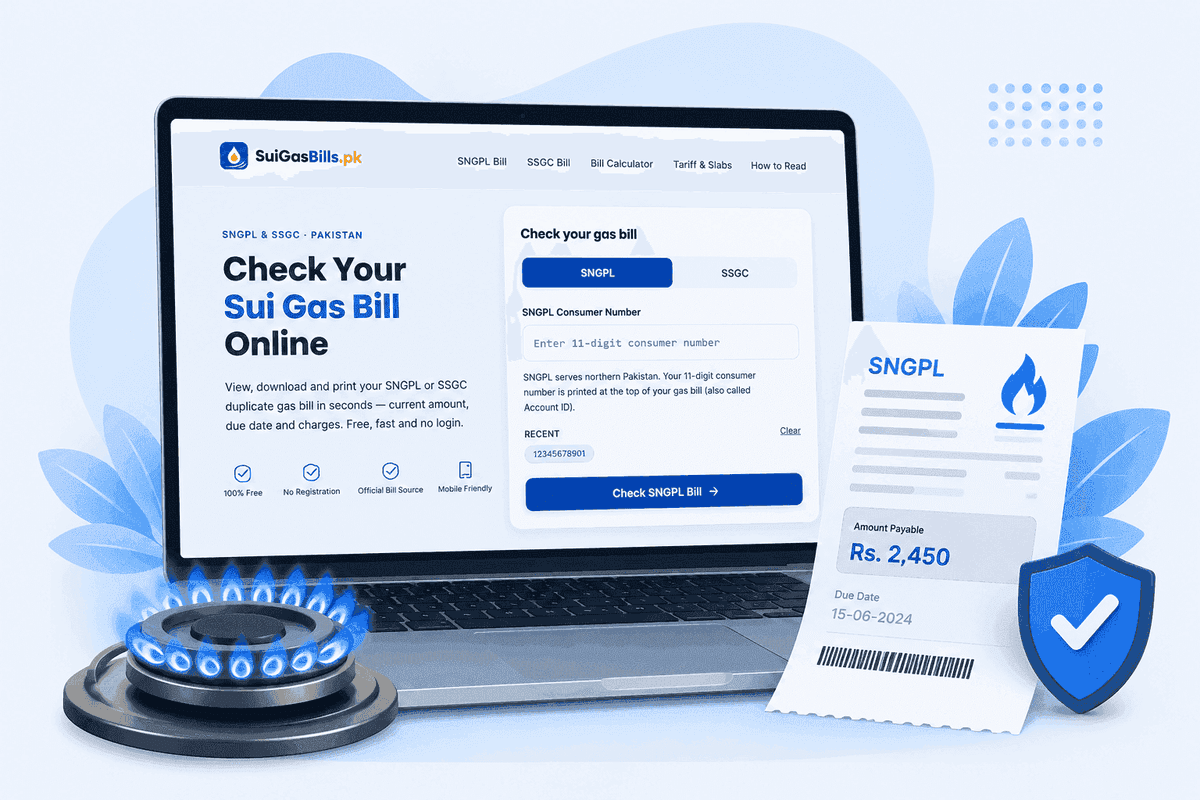
Getting a duplicate SNGPL bill online is the fastest and most convenient option for consumers in Punjab, KPK, Islamabad, AJK and Gilgit-Baltistan — see our SNGPL bill check guide for the full process. The process takes under a minute and requires only your 11-digit SNGPL consumer number. Visit the SNGPL bill check page, enter your consumer number and click Check. Your current month's bill loads instantly from SNGPL's database.
Once the bill is displayed on screen, save it as a PDF using your browser's print function. On a computer, press Ctrl+P (Windows) or Cmd+P (Mac), select 'Save as PDF' or 'Microsoft Print to PDF' in the printer destination, and save the file. Give it a descriptive name like 'SNGPL-Duplicate-Bill-July-2025.pdf'. On a mobile phone, use the Share menu in Safari (iPhone) or the Print option in Chrome (Android) — both offer a 'Save as PDF' option that saves the file to your device's storage.
The SNGPL portal also allows you to access previous months' bills. After retrieving your current bill, look for a billing history option that lets you select earlier billing periods. SNGPL typically keeps the last 12 months of bills accessible online. If you need an older bill — for a rental agreement dispute or a tax filing for a prior year — visit the nearest SNGPL regional office with your consumer number and CNIC. Staff can print an official copy for older periods, often for a small administrative fee.
- 1Go to SuiGasBills.pk on any device
- 2Click 'SNGPL Bill Check' or 'Duplicate Bill'
- 3Enter your 11-digit SNGPL consumer number (no spaces or dashes)
- 4Click 'Check SNGPL Bill'
- 5Your current bill appears from SNGPL's official database
- 6Press Ctrl+P (or Cmd+P) and select 'Save as PDF'
- 7Name the file and save it to your device
How to Get a Duplicate SSGC Bill Online
For SSGC consumers in Sindh and Balochistan — Karachi, Hyderabad, Quetta and other SSGC-served areas — the duplicate bill process is identical in simplicity, detailed in our SSGC bill check guide. Visit the SSGC bill check page and enter your 10-digit SSGC customer number. Click the Check button and your current SSGC bill loads from the official SSGC database.
SSGC's online bill contains all the same information as the paper bill: account details, meter readings, gas consumption, slab-wise charges, fixed charge, GST, arrears and total payable with due date. Print it or save it as a PDF immediately — the process on all browsers is the same as described for SNGPL above. If you are in Karachi and need to pay your bill at an NBP counter but only have the reference number, the bank teller can process your payment using just the customer number without needing a physical bill.
SSGC's billing history online is typically less deep than SNGPL's — older months may not be accessible through the portal. If you need SSGC bills older than 3-6 months, your best option is visiting an SSGC regional office in Karachi (137-A PECHS, Shahrah-e-Faisal), Hyderabad, Sukkur or Quetta. The office maintains complete billing records for active consumers and can print official copies on request. Bring your CNIC and consumer number. An official stamped copy may require a small fee.
Saving and Printing Your Duplicate Bill — Every Platform
Once your gas bill is displayed in your browser, the save-as-PDF method is the same across all platforms but the navigation varies slightly. On Windows with Chrome or Edge: press Ctrl+P, in the printer selection choose 'Save as PDF' (Chrome) or 'Microsoft Print to PDF' (Edge), click Save, and choose your location. On Mac with Chrome or Safari: press Cmd+P, choose 'PDF' from the bottom-left dropdown (Safari) or 'Save as PDF' from the destination dropdown (Chrome), and click Save.
On Android phones with Chrome: tap the three-dot menu at the top right, tap 'Print', change the printer to 'Save as PDF' in the dropdown, and tap the PDF button. The file saves to your Downloads folder. On iPhones with Safari: tap the Share icon (box with up arrow) at the bottom, tap 'Print', then pinch outward on the bill preview with two fingers — this extracts a PDF that you can then share to Files or WhatsApp. On iPhones with Chrome: tap the Share icon, select 'Print', and follow the same pinch step.
Physical printing from the browser also works perfectly. If you need a paper copy to submit to a bank, embassy or government office, simply connect to a printer and print directly — the bill page is formatted to print cleanly on A4 paper. The resulting printout carries all the official information. For formal submission requiring a stamp, you may need to visit the SNGPL or SSGC regional office for an officially stamped print, but for most everyday purposes (bank payment, proof of residence, reimbursement claim), the browser print is accepted.
What If the Bill Is Not Available Online?
The most common reason a bill does not appear online is that the current month's bill has not yet been generated. SNGPL and SSGC generate bills on a rolling schedule, and the bill typically becomes available online 5-7 days after the meter reading date for your area. If you check on the 3rd of the month and see no bill, try again on the 8th-10th. The billing cycle for your specific area can be confirmed via our complaint and helpline guide.
Another reason for no bill found is a digit entry error. SNGPL requires exactly 11 digits; SSGC requires exactly 10 digits. A common mistake is leaving a leading zero off the consumer number when typing it from memory, or accidentally adding an extra digit from the meter number. Always copy the consumer number from a paper bill or meter card rather than typing it from memory. If you are certain the number is correct and the bill still does not appear, call the helpline to confirm the billing cycle status for your area.
In some cases — particularly in smaller towns or newly connected areas — billing may be done bi-monthly or on an irregular cycle rather than strictly monthly. In these cases, the portal may show no data for alternate months. If your last bill was for May and you are checking in early July, the current billing cycle may be mid-process. The helpline can confirm whether your account is on a monthly, bi-monthly or irregular billing schedule.
Duplicate Bill for Proof of Residence — Is the Online Bill Accepted?
The online gas bill is widely accepted as proof of residence in Pakistan across most institutions. Pakistani banks accept printed utility bills — including gas bills printed from the official SNGPL or SSGC portal — as address proof for account opening, KYC updates and loan applications. The bill must show your name, address, consumer number, billing period and the official utility company letterhead — see our how-to-read-your-bill guide for what to check.
For passport applications at NADRA offices, utility bills (including gas bills) are listed as acceptable address proof documents. Similarly, for visa applications at various embassies in Islamabad, Lahore and Karachi, a recent utility bill is a standard supporting document. In most cases, the embassy's checklist specifies a 'recent utility bill' without specifying that it must be a physical original — a printed online bill is accepted. However, some embassies may require the bill to be within 3 months of the application date, so ensure the bill you print is from the most recent cycle.
For formal legal or court purposes — such as a rental dispute, a succession certificate application or a property registration — the courts and relevant authorities may require an officially stamped bill rather than an online printout. In such cases, visit the nearest SNGPL or SSGC regional office with your consumer number and CNIC. Request an official duplicate bill — staff will print and stamp an official copy. This stamped copy has full legal standing. The fee is typically Rs 100-250 depending on the number of months requested.
How to Check Bills for Multiple Gas Connections
Many Pakistani families manage more than one gas connection — a house in Lahore and an apartment in Rawalpindi, a home in Karachi and a shop in Hyderabad, or a landlord managing several rental properties. Check multiple accounts by simply entering each consumer number in turn on SNGPL or SSGC — no account needed. For each connection, retrieve the bill and save as PDF.
For regular management of multiple connections, consider using your browser's password manager or notes app to save all consumer numbers clearly labelled. JazzCash and Easypaisa both support 'Favourite Billers' — you can save multiple consumer numbers with custom labels and check or pay each account with a single tap.
If you are a property manager or landlord responsible for multiple gas connections, maintaining a simple spreadsheet with consumer numbers, connection addresses and monthly bill amounts allows you to track payment status across all properties. Screenshot each bill at the start of the month and save to a shared folder. Many property managers in Pakistan maintain such records as part of their monthly reporting to property owners — the online bill-checking process makes this straightforward without requiring physical collection of paper bills from each location.
Requesting an Official Stamped Duplicate Bill from the Gas Company
While the online printout serves the vast majority of everyday needs, there are situations requiring an officially stamped duplicate bill — one bearing the gas company's stamp and often the signature of a staff member. This is sometimes required for court submissions, formal rental dispute documentation, property inheritance proceedings, or by certain government offices that specifically ask for an original or officially authenticated document.
To request an official stamped duplicate from SNGPL: visit your nearest SNGPL regional office during office hours (Monday–Friday, 9 AM–5 PM typically). Bring your original CNIC and your consumer number. Fill out a duplicate bill request form available at the consumer services desk. State the billing month(s) for which you need the duplicate. A small fee (typically Rs 100-250 per month) may apply. The bill is printed from SNGPL's system on the day and stamped at the counter.
For SSGC: visit any SSGC area office in Karachi (the main ones are at PECHS, North Karachi, Orangi and Korangi), or the regional offices in Hyderabad, Sukkur or Quetta. The process is the same: bring your CNIC and consumer number, fill out the request form, pay the applicable fee and receive your stamped duplicate. Both SNGPL and SSGC can produce duplicates for multiple past months simultaneously. If you are collecting bills for an entire year (for tax documentation), inform the staff — they can print all 12 months in one visit.
Gas Bill as Proof of Address — Practical Checklist
When using your gas bill as a proof of address document, ensure the bill meets the basic validity criteria. The bill must be current — typically dated within the last 3 months, though some institutions accept up to 6 months. The name on the bill must match the name in your CNIC or passport exactly (or be in the name of a close family member at the same address, for which you may need an affidavit). The address on the bill must match the address you are declaring to the institution. The bill must be from an official source — SNGPL or SSGC — and show their official letterhead and company details.
Practical checklist before submitting a gas bill as address proof: verify the consumer name matches your CNIC; confirm the address matches your declared residence; check the billing date is within the required validity window (usually 3 months); ensure all pages of the bill are present (some bills are multi-page); if submitting to a bank or embassy, make a photocopy and keep the original; if the institution requires the bill to be certified or notarised, visit the gas company office for a stamped copy before certification.
Some tenants face a challenge when the gas connection is in the landlord's name — the bill does not show the tenant's name. In this case, most banks accept a rental agreement combined with the gas bill in the landlord's name, or a formal letter from the landlord certifying the tenant's residence at the address. Some institutions also accept other utility bills (electricity, phone) if the gas bill is not in the tenant's name. Always check the specific document requirements of the institution before submitting.
How to Keep a Gas Bill Archive — Best Practices
Maintaining a personal archive of gas bills is valuable for multiple reasons: it gives you a historical consumption record for energy-efficiency analysis, it provides evidence in billing disputes, it serves as proof of residence history for documentation needs, and it enables you to verify that payments were correctly credited to your account. With online bill access, maintaining this archive is easier than ever — no physical storage needed.
Recommended archiving workflow: on the 5th-10th of every month (when the new bill is usually available), open SuiGasBills.pk, retrieve your current bill and save it as a PDF to a dedicated 'Gas Bills' folder on your device or cloud storage (Google Drive, iCloud, Dropbox or OneDrive). Name each file consistently: 'SNGPL-2025-07.pdf' or 'SSGC-Karachi-Jan-2025.pdf'. If you have multiple connections, create subfolders for each property.
For long-term storage, cloud backup is strongly recommended — device storage alone is vulnerable to loss through phone theft, screen damage or factory reset. Google Drive provides 15GB free storage, sufficient to hold years of PDF bills (each bill PDF is typically 50-200KB). Share the Google Drive folder with your spouse or a trusted family member so the archive is accessible even if one person's device is unavailable. SNGPL keeps 12 months online and SSGC keeps fewer — your personal archive is the only way to access older bills without visiting the utility office.
Duplicate Bill Guide — Frequently Asked Questions
Is the online gas bill a legally valid duplicate?
How do I get a duplicate SNGPL bill?
How do I get a duplicate SSGC bill in Karachi?
My gas bill was not delivered. What should I do?
How many months of gas bills can I access online?
Does the online gas bill count as proof of address for a bank?
Can I get a gas bill in someone else's name?
How do I save a gas bill as PDF on my iPhone?
What if the bill shows wrong name or address?
Does the duplicate bill from the office cost money?
Related Guides
Check Your Gas Bill Now
SNGPL or SSGC — free, instant, no login required